Scan workflow
Give Tracey a clean, complete page.
A careful capture prevents most clipped, empty, and distorted characters. Tracey accepts clear phone photos, common image files, PDFs, and scans.
Before import
Capture the sheet
- 01Print the template at 100% scale. Do not use Fit to page.
- 02Write one character in each labelled box with a dark pen. Keep strokes away from the box edges.
- 03Place the sheet flat in bright, even light. Avoid shadows, glare, folds, and fingers over the page.
- 04Photograph the whole sheet straight on, including all four corner marks. A scanner is even more reliable.
- 05Open Tracey, add the image or PDF, check the preview, then choose Trace sheets.
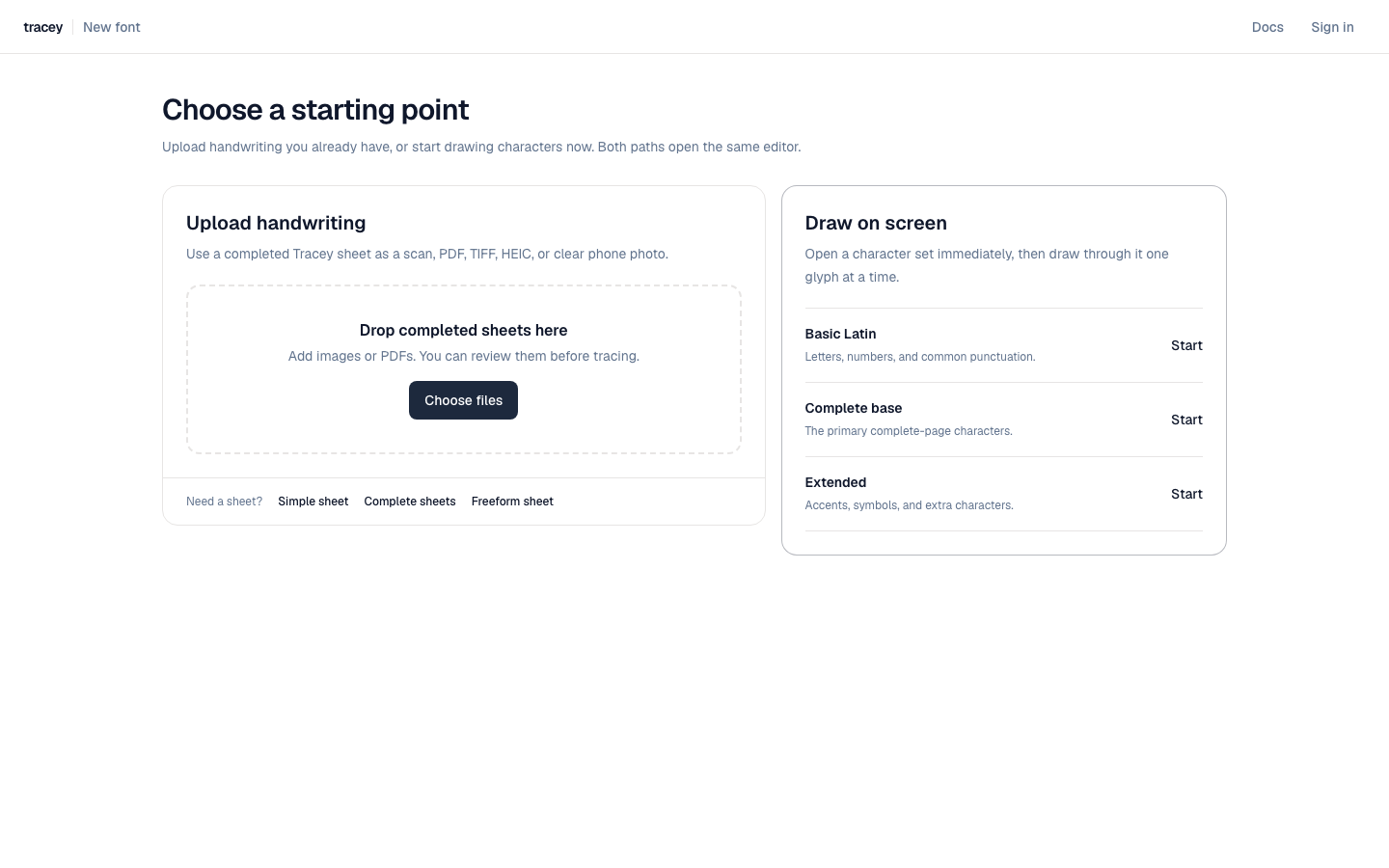 The starting screen keeps scanned handwriting and direct drawing as separate workflows.
Quality check
Retake when the source is the problem
- Retake if any corner mark or part of the grid is outside the image.
- Retake if the page is strongly angled, curved, blurred, or covered by hard shadows.
- Continue to review when only one or two characters have small specks or gaps.
- Use a supplementary sheet when a character needs a substantially different shape.